
How to Sign Up for Amazon Prime Student: Step by Step
Amazon Prime Student gives verified college students a 6-month free trial, then $7.49/month — half the standard Prime rate. You get free fast shipping, Prime Video, Amazon Music, Prime Gaming, exclusive deals, and 5% cash back on Amazon purchases. The signup itself takes about five minutes if your documentation is ready. Most delays come from one of three things: an unverified `.edu` email, a mismatch between your Amazon account name and your school records, or an age/documentation check that needs a second pass.
Here’s the full sequence, plus what to do when a step stalls.

Before You Start: What You Actually Need
Gather these first so you’re not bouncing between tabs:
- A `.edu` email address that you can access right now (you’ll need to click a verification link).
- Your school’s name as it appears in official records — not the nickname. “University of Cincinnati,” not “UC.”
- Proof of enrollment if your `.edu` email isn’t available or doesn’t verify: a current student ID, transcript, or tuition bill usually works.
- A payment method on your Amazon account, even for the free trial. Amazon uses it to auto-convert you to paid after 6 months unless you cancel.
- Your date of birth on file matching your real age. Prime Student is built for ages 18–24 or currently enrolled students; if you’re outside that window, you’ll likely need enrollment documentation instead of age alone.
One budgeting note that trips people up: the free trial is genuinely free, but it is not indefinite. Set a calendar reminder for roughly day 170 so you decide on purpose whether to keep it — not by surprise charge. That’s the same logic you’d apply to any subscription while you’re learning to run your own budget for the first time.
Step 1: Sign In to Your Amazon Account (or Create One)
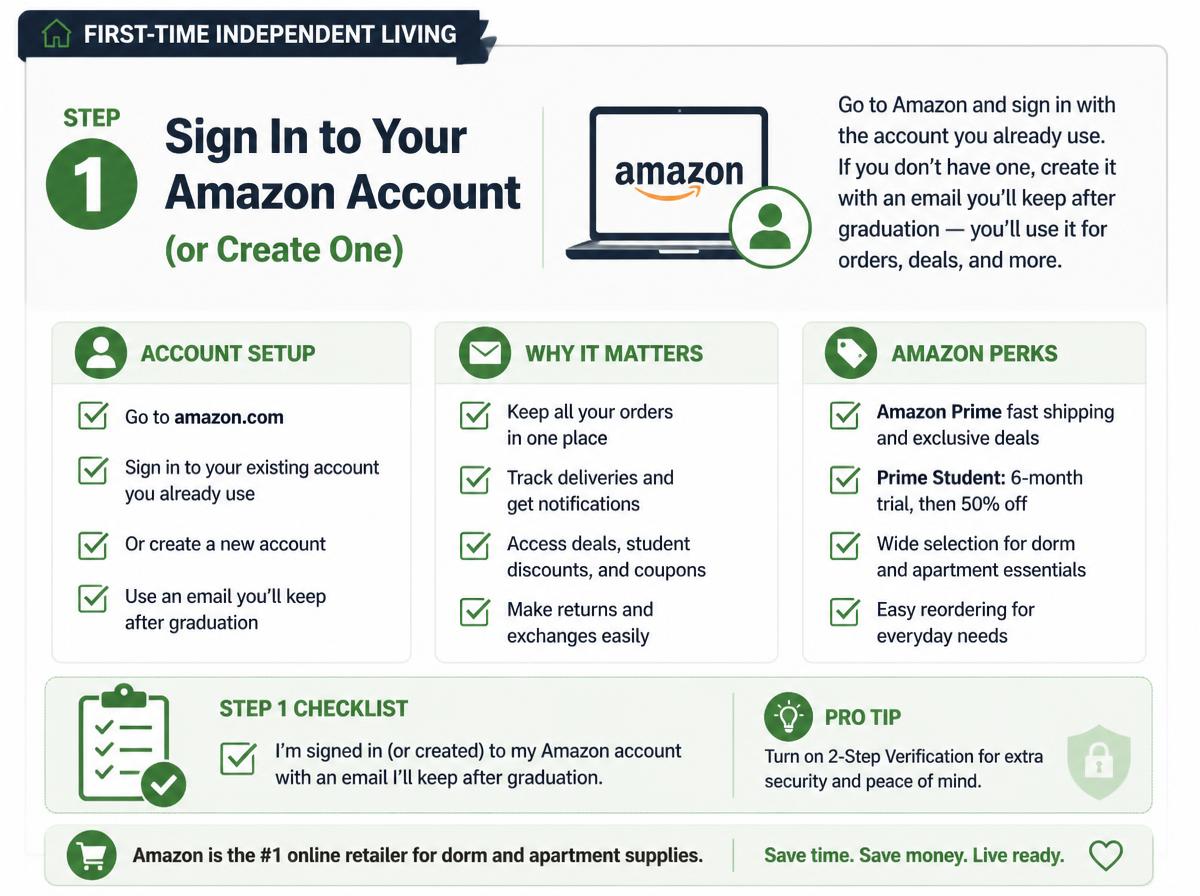
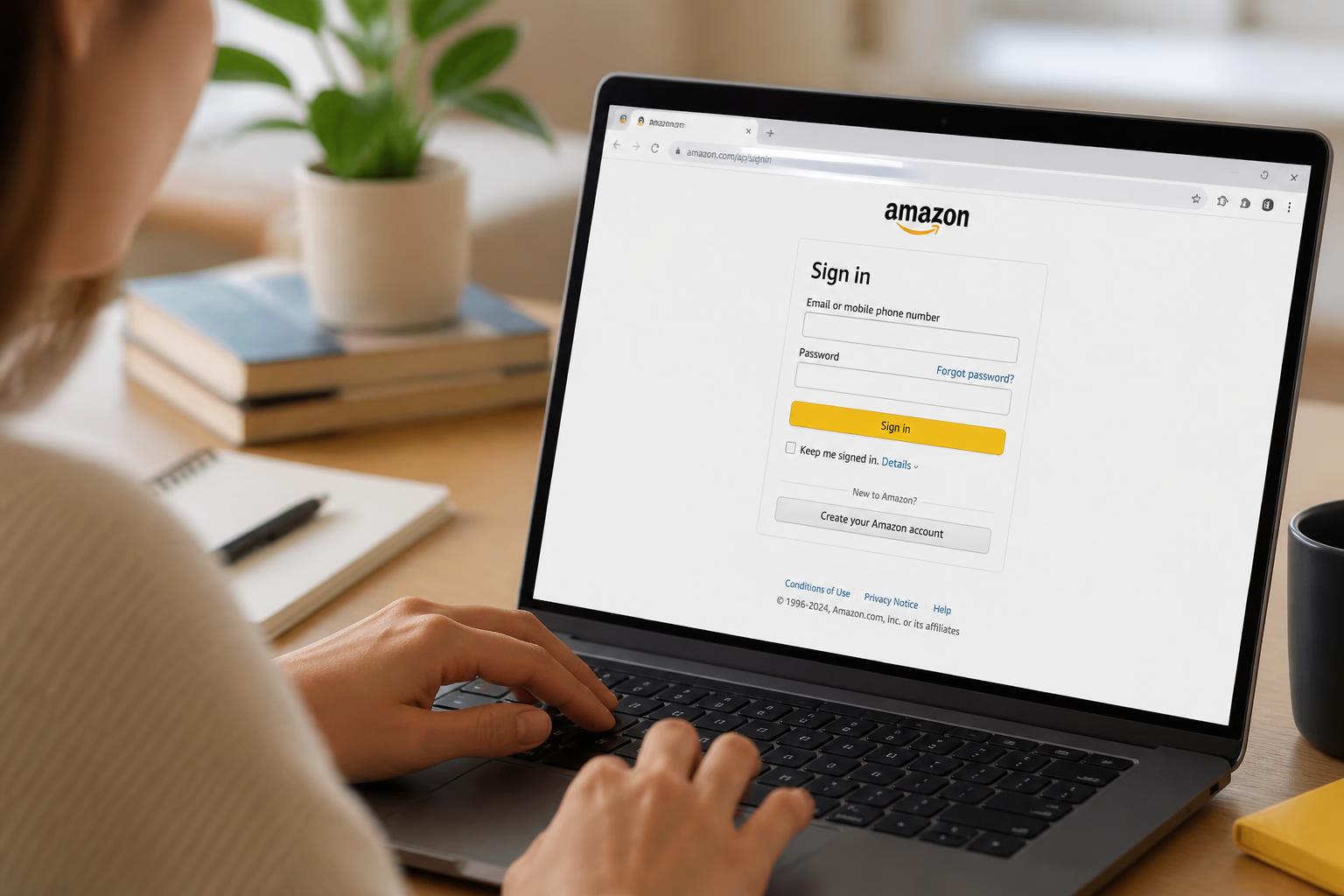
Go to Amazon and sign in with the account you already use. If you don’t have one, create it with an email you’ll keep after graduation — not your school email, which often gets deactivated after you leave. A personal email as your login, with your `.edu` address used only for verification, avoids a lockout later.
Common mistake: creating a brand-new Amazon account just for Prime Student when you already have one with order history and saved addresses. Use the existing account. You can only have one Prime membership per account, and merging accounts later is a headache.
Step 2: Go to the Prime Student Signup Page
Search “Prime Student” on Amazon or navigate directly to the Prime Student landing page. You’ll see the offer terms stated plainly: 6-month free trial, then the student monthly rate. Read the trial length and price on the page itself before continuing — promotional terms can change, so verify what’s shown at signup rather than relying on a number you saw elsewhere.
Step 3: Verify Your Student Status
This is the step where most people get stuck, so slow down here.
You’ll be asked to verify in one of two ways:
1. `.edu` email verification — Amazon sends a code or link to your school address. Enter it, and you’re confirmed.
2. Document upload — if you don’t have an accessible `.edu` email, you upload proof of enrollment (student ID, transcript, or current tuition statement). Make sure the document clearly shows your name, your school’s full name, and a current term or date.
Why Verification Fails, and the Fix
- Name mismatch. Your Amazon account name says “Mike” but your transcript says “Michael.” Update your Amazon account name to match your documents exactly, then retry.
- Expired `.edu` email. If you graduated or your school disabled the address, switch to the document-upload path.
- Nickname school. Entering “State” instead of “State University” can fail the check. Use the full official name.
- Blurry or cropped upload. Upload the whole document, not a phone photo of one corner. All four edges visible, text legible.
If verification is rejected, you typically get a reason and a chance to resubmit. Fix the specific mismatch rather than re-uploading the same file.
If you’re setting up your first apartment and want the free fast shipping before your move-in haul arrives, the student rate makes that easier: ages 18–24 or enrolled students get a 6-month free trial, then $7.49/month, with free fast shipping, Prime Video, Amazon Music, Prime Gaming, exclusive deals, and 5% cash back on Amazon purchases. Start your 6-month free trial here.
Step 4: Confirm the Trial and Payment Method
Once verified, Amazon confirms your 6-month free trial start date and the date it converts to paid. Confirm your default payment method is current — an expired card can silently end your trial early or block the conversion.
Decision rule: If you’re not sure you’ll keep it, keep the trial anyway and set a cancellation reminder. You lose nothing by using the free months; you only lose money if you forget the conversion date.
Step 5: Set Up the Perks You’ll Actually Use
Signup is done, but the membership is only worth it if you switch on the parts that matter to you:
- Free fast shipping — the core value if you’re ordering dorm or apartment supplies. Two-day delivery on eligible items adds up fast when you’re furnishing a first place on a tight budget.
- 5% cash back on Amazon purchases — this stacks with the shipping benefit and is easy to overlook.
- Prime Video — useful when you’re splitting streaming costs with roommates.
- Amazon Music and Prime Gaming — included, no extra signup needed beyond your Prime account.
- Exclusive deals — Prime-only pricing shows automatically once you’re a member.
How to Cancel or Pause Before You’re Charged
If you decide the trial isn’t for you:
1. Go to Account & Lists → Prime Membership.
2. Select End Membership or Cancel.
3. Confirm. You keep benefits until the end of the current trial or billing period.
Canceling during the free trial means no charge. Canceling after conversion stops the next renewal but doesn’t refund the current month. If you cancel and later re-enroll, you may not be eligible for another free trial — Amazon typically offers the free trial once per student.
Eligibility Rules Worth Knowing
- Age vs. enrollment: The program is designed for ages 18–24 or currently enrolled students. If you’re 25+ and enrolled, you can still qualify through enrollment verification rather than age.
- One membership per account: You can’t stack Prime Student on top of an existing paid Prime membership on the same account.
- Re-verification: Amazon may ask you to re-verify student status periodically, often annually. Keep access to your `.edu` email or a current enrollment document.
- Eligibility specifics vary; verify locally against your school’s email policy and Amazon’s current terms, since both can change.
Troubleshooting Checklist
Run through this if signup stalls:
- [ ] Amazon account name matches your student documents exactly.
- [ ] `.edu` email is active and you can open it right now.
- [ ] School name entered in full official form.
- [ ] Uploaded document shows name, school, and a current date/term.
- [ ] Payment method on file is not expired.
- [ ] You’re signed into the account you actually want the membership on.
- [ ] You haven’t already used a Prime Student free trial on this account.
FAQ
Can I sign up with a community college email?
Yes — enrollment at an eligible institution is what matters, and many community colleges issue `.edu` addresses. If yours doesn’t, use the document-upload path with a current student ID or tuition statement.
What if my `.edu` email won’t verify?
Switch to document upload. The most common cause is a name mismatch between your Amazon account and school records, so align those first, then resubmit a clear, full-page document.
Does the free trial auto-charge me?
Yes. After 6 months it converts to the student monthly rate on your default payment method unless you cancel. Set a reminder around day 170 to decide on purpose.
Can I keep Prime Student after I graduate?
Eligibility is tied to current enrollment or the age window, and Amazon may re-verify. Once you no longer qualify, the membership typically converts to standard Prime pricing. Check your account status after graduation.
Is the student rate really half of regular Prime?
The student rate is set lower than standard Prime, and the exact figures can change — verify the current price shown at signup rather than trusting an older number.
Can I share my Prime Student benefits?
Amazon Prime sharing rules apply, and they can change. Check the current membership-sharing terms in your account rather than assuming a specific setup.
Setting this up while you’re already organizing move-in logistics is smart timing — the free shipping alone tends to pay for itself during a first apartment setup. Get verified, note your conversion date, and switch on the perks you’ll use.